
Free
Open now$0
No payment details needed
- 1 collector
- 10 scans a day
- Binder, sets, badges, wish list
- The Wallet: value history and charts
BinderScanner turns a phone photo of a Pokémon card into a page in your kid's own digital binder: the card, its set, its rarity, and its value if you choose to show it. Built for families, not dealers.
Real app, demo family. Card values are live market estimates.
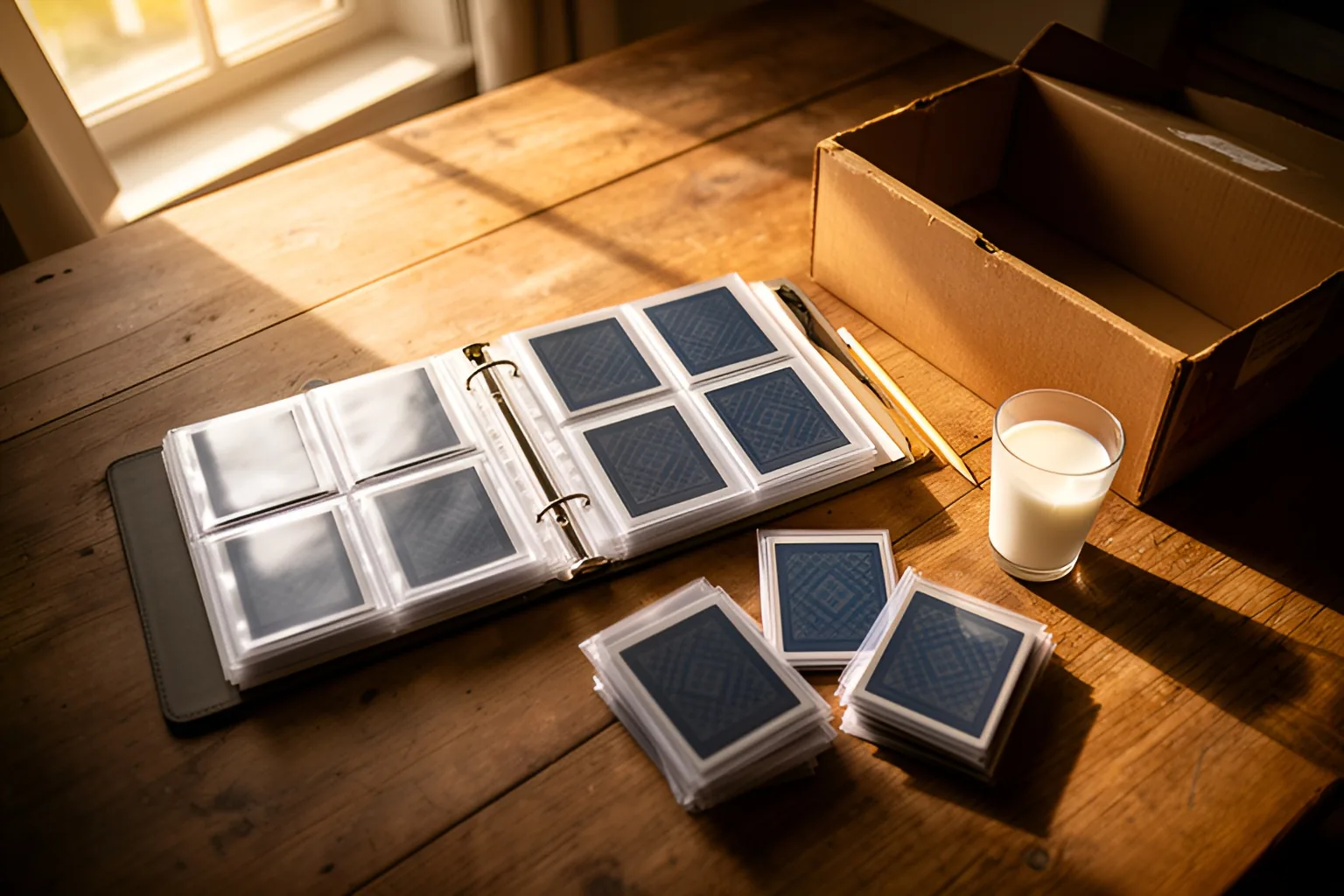
A binder you can search beats a box you can't. BinderScanner keeps every card with its set number and rarity, sorts the doubles, and shows your kid which cards from a set they still need.
Three steps, no typing. A 7-year-old can do it alone.
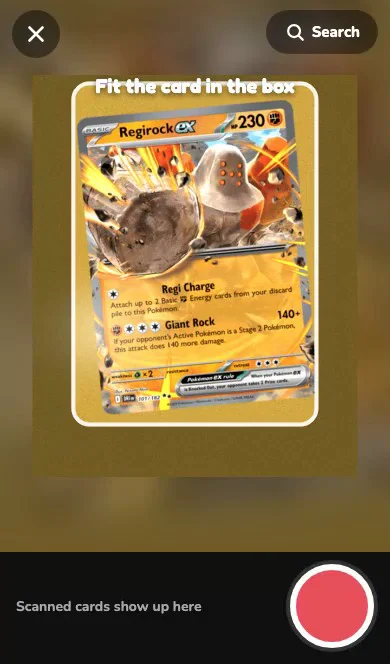
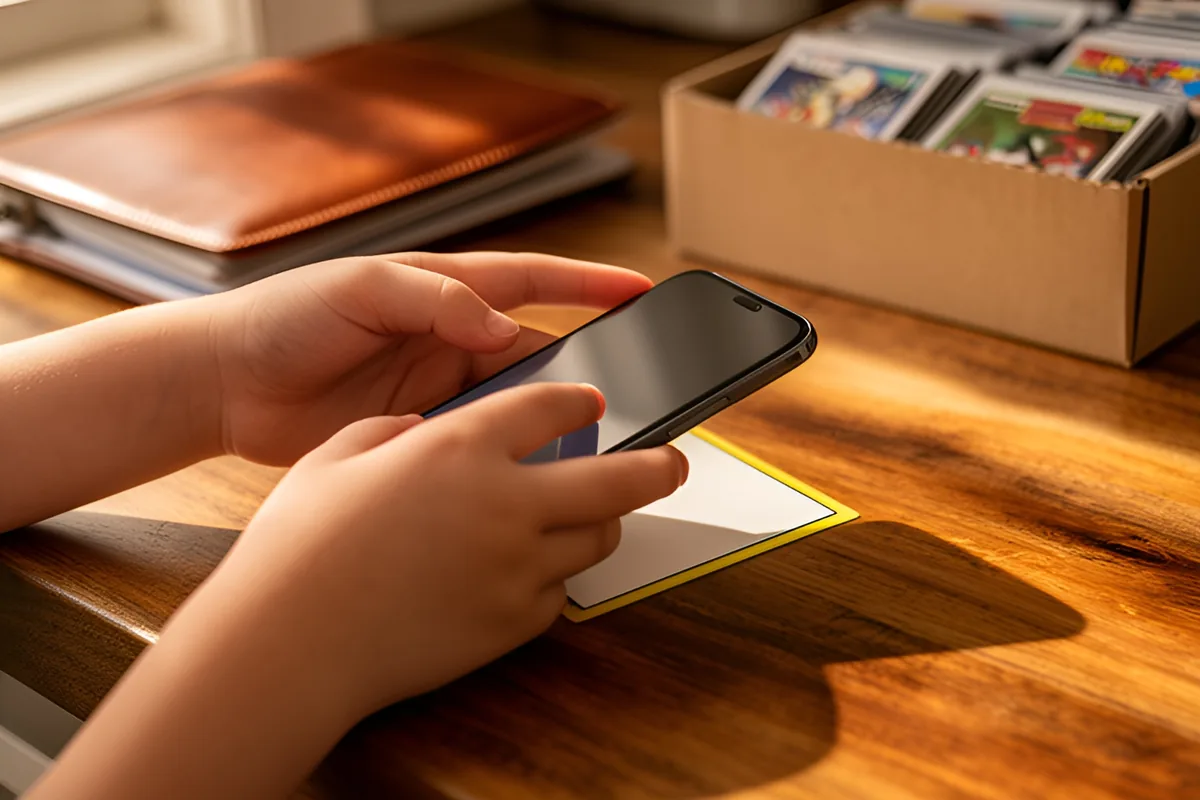
Hold it in the frame and tap. The scanner reads the card and finds the match. On a close call, your kid picks from the three nearest.
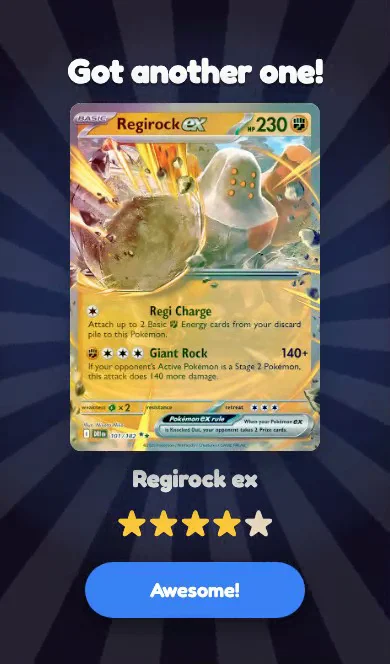
The card drops into their own 9-pocket pages with its set and rarity stars. Doubles stack on the same pocket.
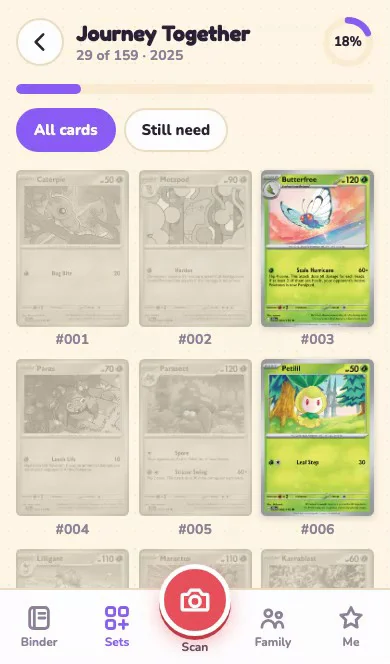
Set rings fill in, badges get earned, and parents get a Wallet view of what the whole collection is worth over time.
Short clips of the real app with a demo family. Tap one to play it with sound.
Snap, check, done
Every kid gets their own binder
You decide if prices show
Watch every set fill up
Maya's binder, newest first
Nine pockets to a page, like the real thing, without the sticky fingers.
Leo's Wallet, demo family. Card values are live market estimates; the value history is sample data.
The Wallet adds up every card at nightly market prices and keeps the history, so you can see what the collection is worth today and how it got there.
The Wallet comes with the Individual and Family plans. On Free, cards still show today's price whenever you switch prices on.
"My boys couldn't tell you what their binders were worth. Now the first thing they check after a pack is what the new card goes for - and the good ones go straight into a sleeve."
Video: the real Wallet on a demo collection.
The parts that matter when the collector is seven.
Up to six collectors in a family. Each gets their own picture, colour, binder and PIN on a device a parent set up.
 Leo
 Maya
 Sam
 Mom
Kids mark the cards they're hunting for. Handy for grandparents, and for working out a trade.
One kid offers, the other accepts, a parent approves. The cards then move binders on their own.
Runs in the browser on iPhone, iPad, Android and computers. Nothing to install from an app store.
Start free. Upgrade from inside the app whenever you want more.
$0
No payment details needed
$3.99/month
or $29 a year
$6.99/month
or $49 a year
$1.99
for 24 hours
Prices in US dollars. Every plan keeps your binders if you change it later; a smaller plan only limits new additions.
English-language Pokémon cards. The scanner reads the card in your photo and matches it against a catalog of the English sets. Cards in other languages are not recognised yet.
No. A parent signs up with an email and sets up each phone or tablet once. After that, kids tap their picture and enter a 4-digit PIN. The PIN only works on a device a parent has set up.
Only if you turn it on. Prices are off for kids to begin with, and each kid's profile has its own switch in the parent zone. Prices come from public market listings and update nightly; they are estimates, not an offer to buy.
Each photo is used to identify the card and then discarded. The binder keeps the card that was identified, not the picture.
It shows the closest matches and your kid picks the right one. A card is never added silently when the match is unclear.
Free is one collector and 10 scans a day, with the binder, sets, badges and wish list. Start free, and a parent can upgrade any time in the app under Me → Plan & billing.
Yes. BinderScanner runs in the web browser, so there is nothing to download from an app store. Open app.binderscanner.com on an iPhone, iPad, Android phone or tablet, or a computer. Scanning uses the camera, so a phone or tablet is the easiest way to add cards; a computer is good for browsing binders.
It reads the name, number and set printed on the card and matches them against the English card catalog. A sharp photo with the whole card in frame is usually matched on the first try. When two cards look alike, it shows the closest matches and asks your kid to pick, instead of guessing.
Not yet. It scans one card per photo. Each scan takes a few seconds, so a stack of cards goes quickly.
No. It identifies the card and shows a market estimate for an ungraded copy. It does not grade cards, judge condition, or price graded slabs.
The app has no ads, no analytics trackers and no way to message people outside your family. Kids never enter an email address. Trades only happen between collectors in the same family, and a parent approves each one. Parents decide whether kids see prices.
From the Me screen in the app, or by emailing [email protected]. Your plan keeps working until the end of the period you paid for, then your family moves to the Free plan and keeps its binders.
M.Lighthouse Agency LLC, a small company in Wayzata, Minnesota. It started as the binder app for the founder's own kids.
Sign up as the parent, add a collector, and scan the first card from the shoebox. Free for one collector and 10 scans a day.
Start free Free to start. Questions: [email protected]